


Broken marketing integrations are the reason a Q4 budget disappears without a clear return, and teams often don’t catch it because the campaigns look fine on the surface. Q4 is the most expensive and competitive stretch of the marketing calendar, and a team can’t afford to keep funding a losing campaign because its tracking is quietly wrong. Leaders tend to blame the creative or the algorithm first. The real problem is disconnected systems skewing attribution long before anyone reviews the numbers.
Fixing that means looking past vanity metrics and checking the actual wiring behind your core digital marketing tools. That’s what this audit walks you through.
The High Cost of Broken Marketing Integrations in Q4
A broken integration doesn’t just create a reporting annoyance. It actively misdirects budget toward the wrong channels while the dashboards keep reporting green.
Data Silos vs. The Truth
Picture a common scenario: the email platform reports 340 conversions for a campaign this month, while the CRM shows 210 closed deals tied to the same source. Nobody can say with confidence which number should drive the budget decision, so the executive team ends up making a call based on a guess dressed up as data.
This happens because each platform counts what it can see, and no platform sees the whole path. The email tool counts a click. The ad platform counts a pixel fire. The CRM counts a signed contract, often logged manually days after the sale closed. None of those numbers are lies exactly, but stacked next to each other, they tell three different stories. A broken reporting chain can turn vanity metrics into budget decisions because the numbers look like proof of performance right up until someone checks the bank account.
Bleeding Ad Spend on Bad Attribution
The dangerous move is trying to fix weak performance by scaling the ad budget instead of fixing the tracking underneath it. More spend on a broken funnel just produces bigger wrong numbers.
Ad auction costs can rise during Q4 as competition for the same inventory intensifies. Current Triple Whale benchmarks show that paid advertising costs remain a significant variable for ecommerce brands, with year-over-year changes differing substantially by industry. Its latest Meta benchmarks cover more than 53,000 brands from August 2025 through July 2026. A company paying that premium on top of a tracking system that’s already misreporting conversions is compounding one problem with another.
The instinct under pressure is to add budget until the results look better. That instinct is the problem: raising spend on a channel that’s already being measured incorrectly just multiplies the error, and the team ends up scaling a mistake instead of scaling a result. Fixing the tracking first is slower and less satisfying than authorizing a bigger budget, but it’s the only move that actually changes the outcome instead of just changing the invoice.
Tight, accurate attribution is what lets a lean, agile company compete against a competitor that’s outspending it: the smaller player isn’t fighting for more impressions but making better use of the ones it already has. Every dollar spent against accurate data is easier to evaluate than a dollar spent against unreliable tracking.
6 Steps to Audit Your Digital Marketing Tools Before Peak Season
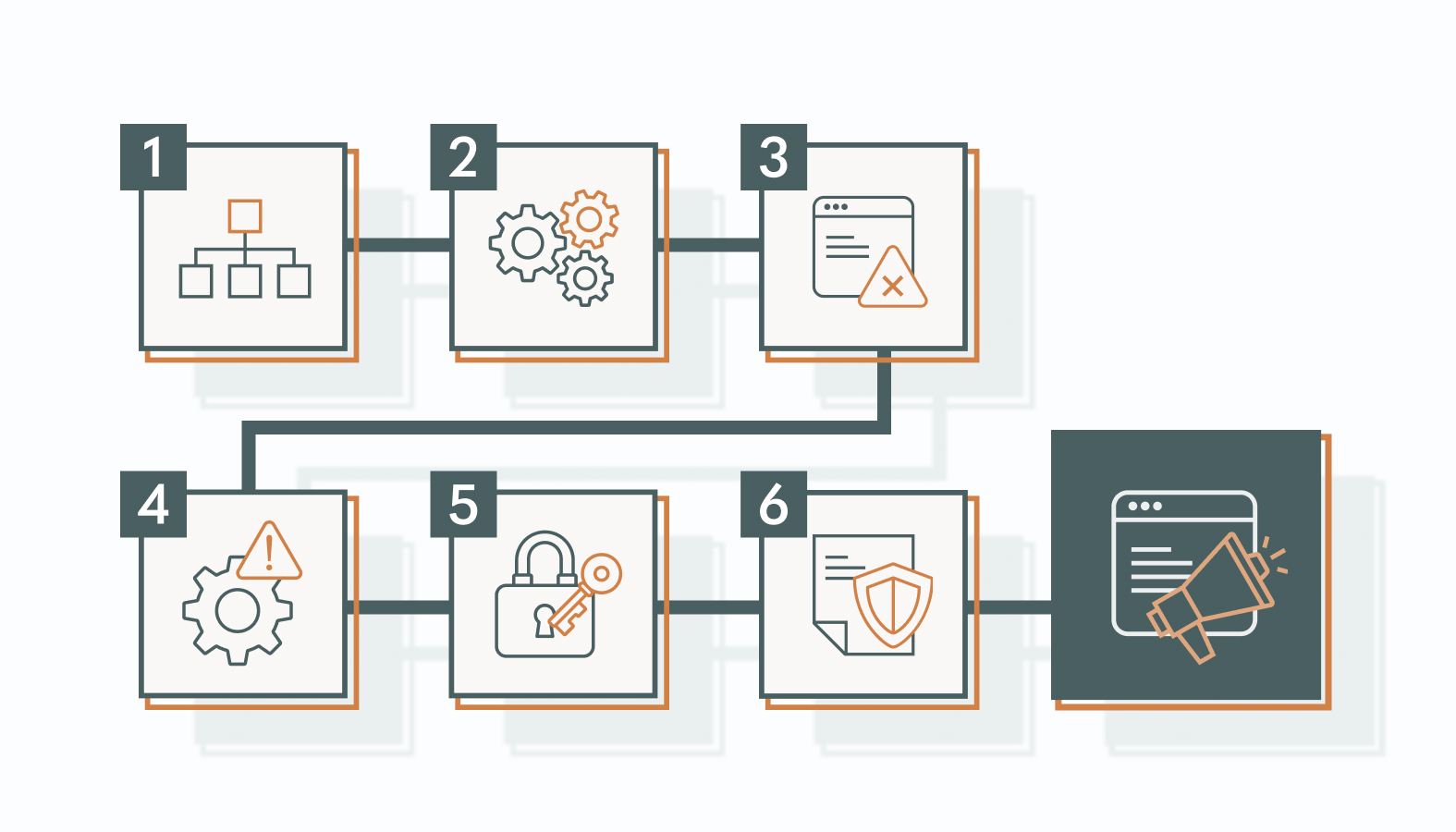
A useful audit isn’t a checklist review of software logins. It’s a physical trace of where a dollar goes from the moment someone clicks an ad to that click becoming revenue.
1. Map Your Data Flow (From Click to Close)
Trace a prospective buyer’s data journey manually: ad click, landing page, form fill, CRM record, lifecycle email trigger, sales handoff, closed-won status. Walk it step by step rather than assuming the diagram in the tech stack presentation matches reality.
Pay particular attention to the handoff point between lead generation channels and lifecycle email systems. That’s one of the points where data can silently drop, because it’s the one moment a lead has to move from a system built for acquisition into a system built for nurturing, and the two systems may not even agree on what a “lead” means.
2. Test End-to-End Tracking & Attribution
Run a literal test transaction, even something as small as a $1 transaction if your systems allow it, and follow it manually through every system it touches. Confirm the tracking event fired, the CRM logged it, and the resulting conversion or revenue data matches the appropriate source of truth. For ecommerce, that may be the payment or order system; for B2B, it may be the CRM or finance system.
This kind of manual test surfaces discrepancies that an automated dashboard will never flag on its own, because a dashboard reports what it was configured to report, not what actually happened. A dashboard can look healthy while quietly dropping 15% of real conversions.
3. Identify Sync Delays & API Lags
A four-hour delay in API syncing between an ad platform and a CRM sounds minor until a sales rep works from a stale lead list and misses a prospect that morning. Sync lag is an operational cost, not just a technical one.
Set latency expectations based on the business impact of each event. A demo request or purchase may need near-real-time syncing because sales or ad optimization depends on it, while a lower-priority reporting event can tolerate a longer delay. Define the acceptable window for each critical event, then flag anything that consistently exceeds it.
4. Cut the Software Fluff (Redundancy Check)
Every tool in the stack should earn its subscription. If a platform was purchased to solve a problem it never actually solved, keeping it running through Q4 out of habit is a straightforward way to waste budget.
Flag any tool with three signs at once: usage concentrated in a shrinking handful of features nobody else on the team even opens, no clear owner on the team, and a renewal date that nobody remembers agreeing to. Those three together are a strong sign the license is draining budget for a capability the team may already have elsewhere. Low feature usage on its own isn’t a reliable enough signal, though. Pendo’s 2024 benchmark found that a median of 6.4% of product features generated 80% of click volume, meaning most features naturally receive a relatively small share of usage. What actually separates a dead subscription from a normal one is whether anyone still owns it and would notice if it disappeared. Operational and budgetary consulting work exists specifically to catch this quiet leak before a renewal auto-charges into another year nobody asked for.
5. Enforce Privacy Compliance
Third-party cookies didn’t disappear the way the industry expected. According to Cookiebot, Chrome reversed its full deprecation plan in 2024 and confirmed in 2025 that it wouldn’t force a replacement consent prompt either, so those cookies remain active today. Safari and Firefox, on the other hand, have blocked them by default for years. That split means a marketing integration audit that assumes one universal tracking behavior across browsers is out of date.
None of that changes the compliance obligation. GDPR requires opt-in consent before non-essential cookies are used, and CCPA gives consumers the right to opt out of the sale or sharing of their data, both of which apply regardless of what a given browser blocks by default. A data leak across disconnected marketing integrations, an email address synced somewhere it shouldn’t have been, or a pixel firing without the required consent being recorded can create regulatory and compliance risk. Compliance here is risk mitigation for a company that doesn’t want a Q4 campaign turning into a Q1 legal review.
6. Lock and Document the Data Schema
Undocumented systems can fall apart when two departments launch conflicting updates in the same week, a common risk during a high-velocity Q4 push. A locked schema prevents a well-meaning campaign change from quietly breaking someone else’s report.
A usable schema document should include: every field name and its accepted values, which system owns each field, how each platform maps to the CRM, and who signs off before a field gets added, renamed, or removed. Keep it short enough that someone opens it before making a change instead of skipping straight to “I’ll just fix it after.”
Essential Digital Marketing Audit Tools for Infrastructure Sanity
The right tooling doesn’t replace the audit process above. It’s what keeps the fixes from quietly breaking the next time traffic spikes again.
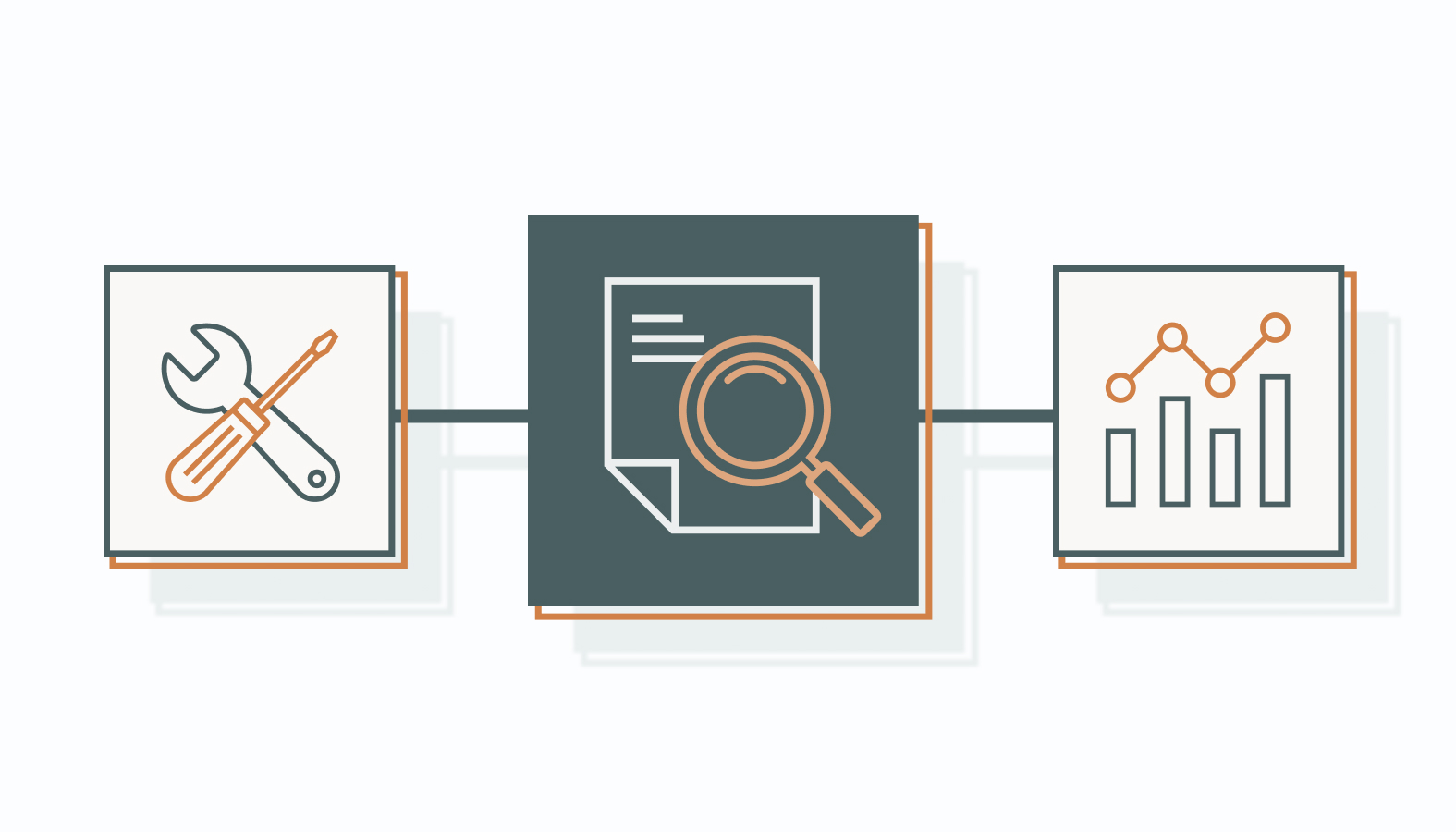
Data Middleware & Pipelines
Server-side tracking and data pipelines can move conversion events through your own infrastructure, reducing some of the gaps created by browser restrictions and client-side tracking failures. Think of them as a way to reduce dependence on browser-level tracking restrictions rather than a nice-to-have layer, since they keep a company’s own data flowing even when a platform’s native tracking has gaps. A well-mapped unified data platform is usually what separates a team that can trust its numbers from one that’s still reconciling three spreadsheets before every leadership meeting.
Analytics & Performance Dashboards
A good dashboard aggregator does more than display metrics; it functions as an early-warning system for structural problems, surfacing a sync gap or a sudden conversion drop before it becomes a quarter-ending crisis. The dashboard needs to show cost per lead, true conversion rate against CRM-verified closes, and channel-level revenue attribution together in one place, because a 2:1 ROAS only means something if the underlying digital marketing tools feeding that dashboard are reporting accurately to begin with.
Common Pitfalls That Turn Infrastructure Into a Disaster
Most infrastructure failures during Q4 trace back to two habits: trusting a default setup, and letting a small gap slide because it seems too minor to fix.
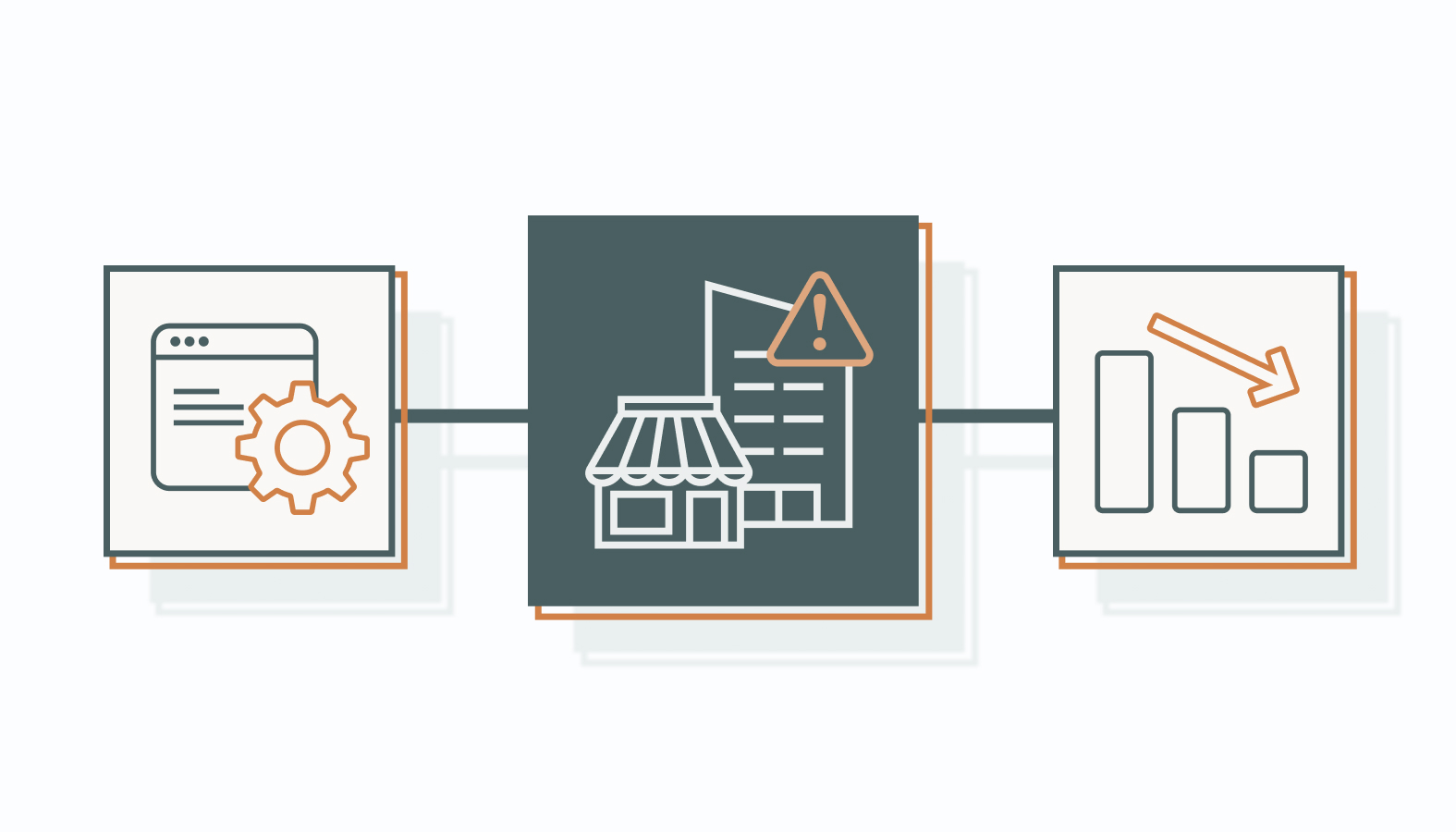
Trusting “Out-of-the-Box” Integrations
Native plugins are built for a general use case. They can become failure points when traffic, event volume, API limits, or system dependencies change, dropping events or timing out when volume is highest. A one-click integration that worked fine at low traffic can start failing when Black Friday sends a significantly higher event volume through it.
Custom field-mapping and a properly configured API setup cost more time upfront, but they hold up under load in a way a default “connect and forget” setting never will. That upfront investment separates a team scrambling on Black Friday from one that already tested the load in October.
Ignoring Minor 5% Discrepancies
A 5% data gap at normal volume looks trivial. At Q4 volume, that same percentage compounds into real revenue lost, because the dollar amount scales with spend even when the percentage doesn’t. Cometly notes that a 5–10% discrepancy can occur between platforms, while larger or rapidly increasing gaps warrant investigation. The acceptable range depends on what systems you’re comparing and how each platform defines and attributes a conversion. A team ignoring a small discrepancy in August is often the same one recalculating a larger loss in December.
The standard should be explainable tracking, not “close enough.” Data is supposed to give the team a defensible picture of what actually happened. A team that tolerates small, unexplained gaps is choosing to make Q4 decisions on a story that’s already partly fiction.
FAQs About Marketing Tech Audits
1) What is the purpose of a marketing audit?
A marketing audit isn’t a checklist exercise; it’s financial defense. Its core purpose is to uncover revenue leaks that aren’t visible in a standard report, eliminate software costs nobody’s actually using, and build a defensible picture of what is actually happening, so a leadership team can scale a budget with confidence instead of a hopeful guess.
2) How long does a thorough marketing integration audit take?
A high-level operational check can take days to a couple of weeks, depending on the number of systems involved. A deeper technical review across an enterprise stack, multiple platforms, regions, and a complex CRM can take several weeks.
3) Can broken marketing integrations impact our ad delivery?
Yes. A broken conversion pipeline can weaken the feedback signals available to ad platforms, including Meta’s Conversions API. When those signals are incomplete or inaccurate, campaign optimization has less reliable data to work from, which can affect audience and bidding decisions.
4) How often should a business run a digital marketing tools audit?
A deep infrastructure review once or twice a year can be a reasonable baseline for many businesses, paired with a lighter technical validation before major quarterly or seasonal budget shifts.
5) Do we need to switch platforms if our current tech stack is disjointed?
Rarely. A full platform swap isn’t necessarily the first fix. Structural failures can often be addressed by reconfiguring field mappings, cleaning up API pipelines, and documenting the schema before replacing an otherwise workable platform.
Protect Your Q4 Margin with a Data-First Stack
Don’t let unfulfilled software promises or sloppy backend configuration quietly tank the highest-stakes quarter of the year. A marketing integration audit isn’t a defensive exercise you run after something breaks; it’s the check that keeps a strong Q4 strategy from being undermined by data nobody verified.
Want an experienced team to handle the heavy lifting? Schedule a candid conversation with one of our experts to help you run a complete marketing tech stack and due diligence review before your next campaign goes live. Bring your current stack, and leave with a clear read on what’s costing you.