


CRM data cleanup matters because campaigns don’t usually fail from weak creative alone. They fail when broken data sits underneath an otherwise solid campaign. A cluttered CRM can make targeted campaigns miss the mark before the first email even sends, no matter how sharp the messaging is. The end of the year is often the breaking point. Twelve months of duplicate entries, dead email addresses, and inconsistent field formats pile up until Q4 planning forces someone to finally look at the database.
This guide gives you a no-nonsense checklist to protect database integrity and set up your RevOps pipeline ffor measurable growth in 2027.
Why CRM Data Cleanup Is Critical for Marketing ROI
CRM data cleanup is critical for marketing ROI because dirty data actively spends your budget on the wrong things and damages channels you’re relying on to reach your audience.
How ‘Dirty Data’ Quietly Burns Your Marketing Budget
Duplicate or inconsistently formatted records can reduce the quality of audience matching on platforms like LinkedIn and Google Ads. When the same contact appears multiple times in different formats, parts of the audience may fail to match, overlap, or become harder to segment accurately. You may end up with overlapping audience records, lower match rates, or less efficient audience coverage while genuinely new prospects remain outside the usable segment. That is the budget spent inefficiently instead of expanding reach to qualified new prospects.
High email bounce rates cause different damage. Cloudflare’s documentation on email deliverability explains that high bounce rates and spam complaints can cause inbox providers to flag a sending domain as untrustworthy, and once that happens, even legitimate emails can end up in spam or get blocked outright. Once that reputation drops, future emails, even the ones sent to genuinely engaged contacts, start landing in spam instead of the inbox. A dirty list doesn’t just affect the current campaign. It can damage sender reputation and affect future campaigns until that reputation recovers.
The RevOps Advantage of Strict CRM Data Hygiene
Standardized data is what makes real audience segmentation possible. When every field follows the same format, you can build targeted segments instead of broad blasts that technically reach everyone and convert almost no one. A segment built on messy data is just a guess wearing a filter.
There’s a sales enablement angle here too. A rep working from a clean contact history knows what’s already been said to a prospect and when. A rep working from a messy one is either repeating a previous conversation or missing context that would have closed the deal faster. Clean data helps marketing and can improve sales efficiency, since reps spend less time re-establishing facts that should already be in the CRM.
Pre-Cleanup: Establishing Your Baseline
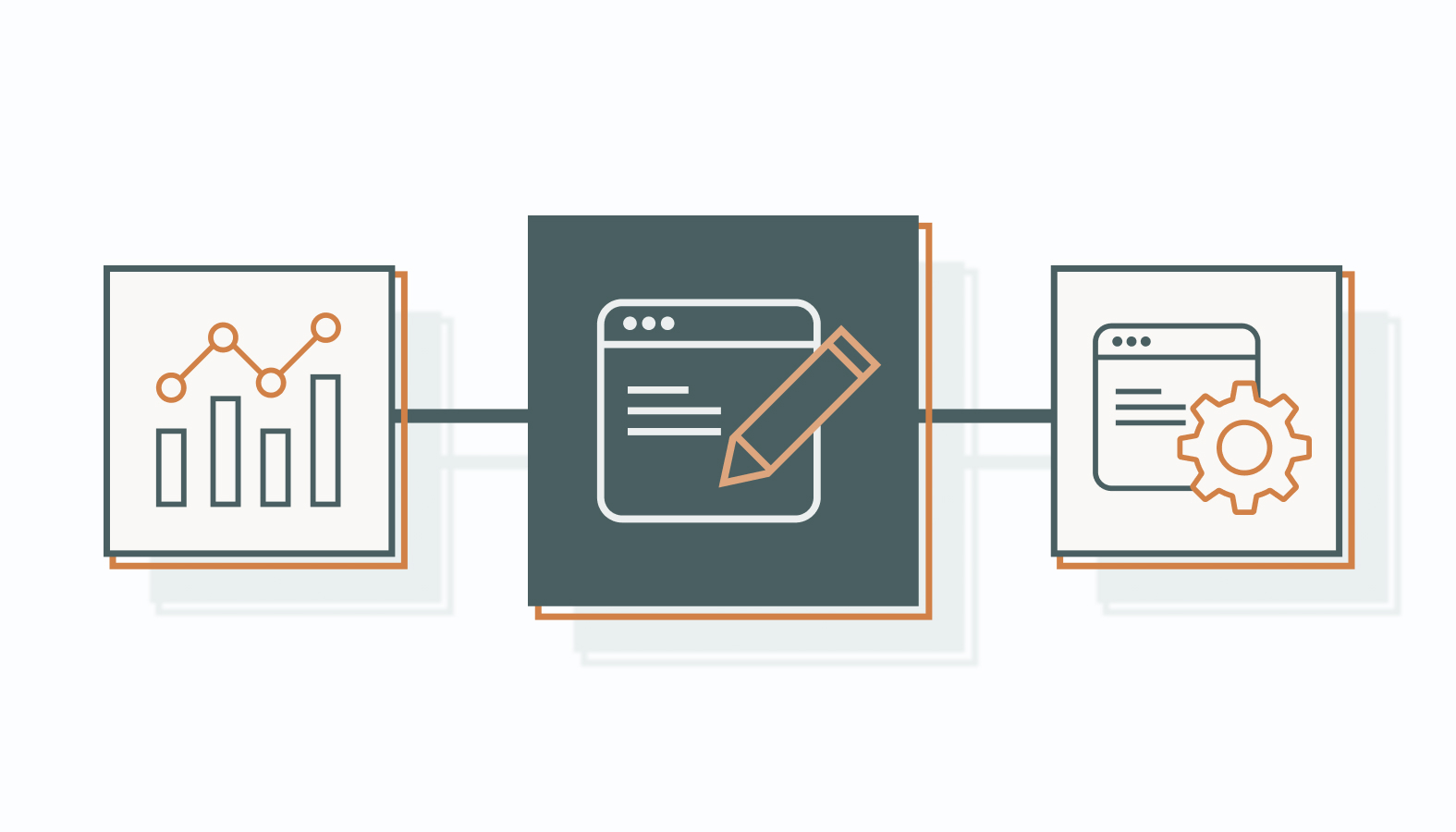
Before any cleanup script touches your database, you need a documented starting point, both to prevent catastrophic data loss and to prove the cleanup worked afterward, in numbers rather than a general sense that things feel cleaner.
Defining Success Metrics & Data Benchmarks
Inventory your current numbers before you change anything: hard bounce rate, number of unengaged subscribers, and the percentage of records missing critical fields such as company size or job title. Write these down. You can’t measure improvement against a baseline you never recorded, and leadership won’t believe a result you can’t point back to a starting number for.
Set realistic KPI targets for what the post-cleanup state should look like. As a general deliverability benchmark, aim for a hard bounce rate below 2%, then set your own thresholds for “engaged” versus “unengaged” contacts and completion rates for key fields.
Safeguarding Your System: The Golden Rule of Backups
This step is not optional. Export a full backup of your database before running any automated cleanup script, deduplication tool, or bulk edit. Confirm the export is completed and is readable before proceeding.
Preserve your custom properties, field definitions, and important metadata mappings separately from the main data export. If a rollback becomes necessary, you need the old schema preserved as it was, not reconstructed from memory after the fact by someone trying to remember what a field used to mean.
The Ultimate End-of-Year CRM Cleanup Checklist
This is the actual work, broken into six steps that build on each other in a specific order, so skipping ahead undermines the steps that come after it.
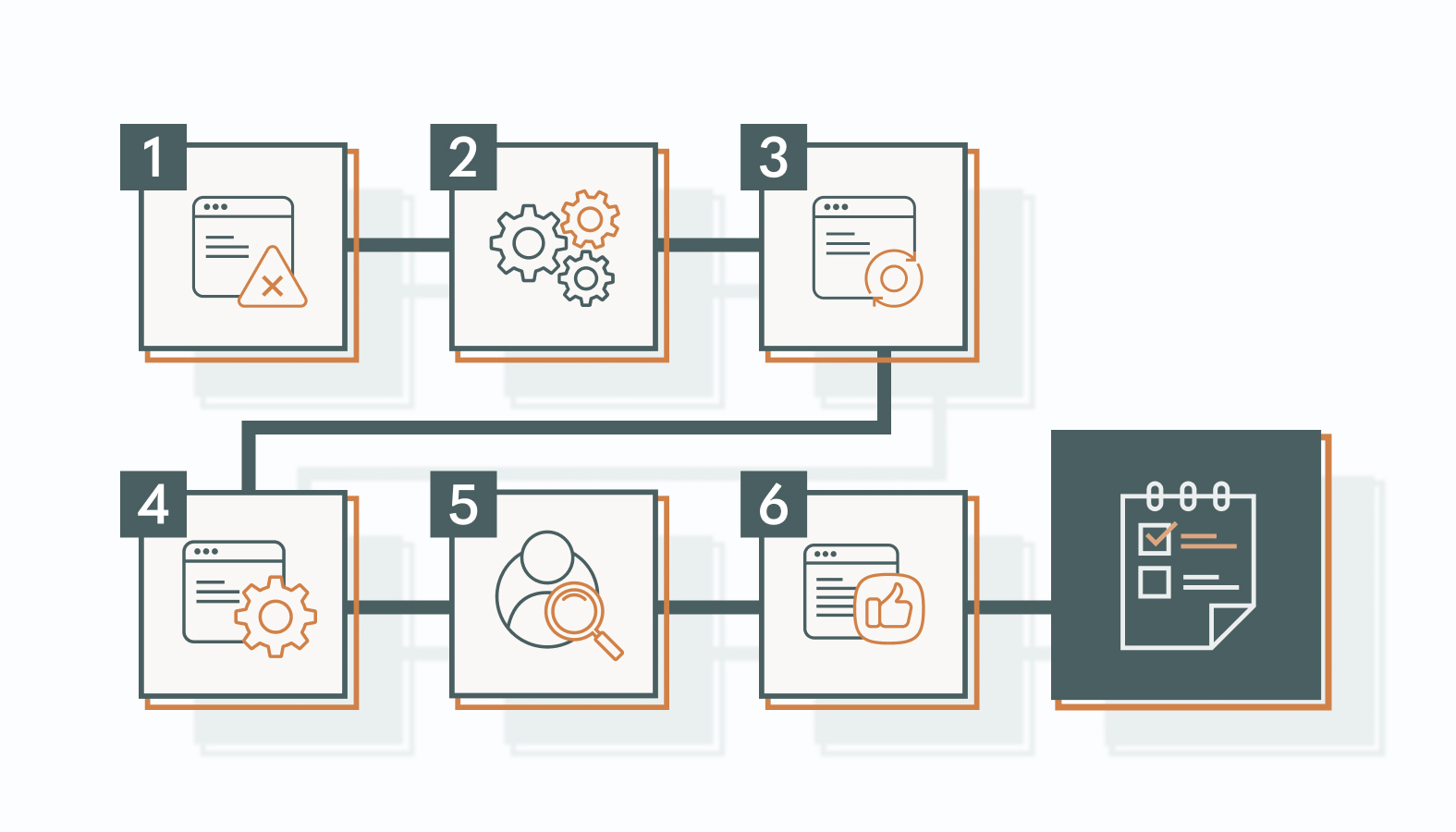
1) Standardize Fields & Fix Inconsistent Formats
Inconsistent entries like “US,” “USA,” and “United States” all technically mean the same thing, but a CRM may treat them as three separate values, which quietly breaks segmentation and reporting without anyone noticing until the numbers stop adding up. Map every variation to a single unified picklist value before you do anything else with the data.
Once fields are standardized, put strict validation rules in place at the point of entry going forward. A controlled dropdown instead of a free-text field reduces inconsistent input going forward.
2) Execute Algorithmic & Manual Deduplication
Your CRM’s built-in deduplication tools can handle straightforward matches efficiently, but they may miss nuanced cases, especially on high-value target accounts where a slight name variation or an old email address needs a human eye, not just an algorithm running a simple string match.
Define a master-record rule before merging anything. For example, prioritize the record with verified contact information, the most complete history, and the correct lifecycle or ownership data rather than relying on recency alone.
- Purge or Archive Inactive & Unengaged Contacts
Define a strict threshold for what counts as a “ghost” contact. No meaningful engagement for 180 days can be a useful starting point for a B2B re-engagement segment, but the threshold should reflect your sales cycle, buying frequency, and typical engagement patterns.
Before permanent removal, run one final re-engagement campaign targeted specifically at this group. A “sunset” email can give genuinely interested contacts a final opportunity to re-engage before you suppress or remove them, depending on your retention, consent, and regulatory requirements.
- Validate and Enrich Key Lead Profiles
Run current email addresses through an automated validation tool before your next send. This filters out temporary, broken, or fake addresses before they can damage your bounce rate and, by extension, your sender reputation.
For the contacts that remain, use a reputable B2B data enrichment platform to fill in missing firmographic details such as annual revenue and company headcount, subject to your privacy, consent, and data-use requirements. Sales and marketing work faster when a lead profile is complete instead of half-filled with gaps someone has to chase down manually.
- Audit User Permissions and System Security
Systematically offboard any ex-employees or external vendors who still have CRM access. This isn’t just tidiness. An unused login with export permissions is a data security and potentially compliance risk. Most teams don’t think about it until something goes wrong, and by then the exposure may already have occurred.
Apply a strict least-privilege model going forward. Very few people actually need the ability to perform bulk data exports, and every person who has that access without needing it is one more point of exposure your security team has to account for.
- Log Changes & Build Your Data Governance Rules
Document every structural change, every new validation rule, and every schema update in a centralized team wiki. A cleanup that isn’t documented can be undone by accident within a few months, usually by someone who had no idea the rule existed in the first place.
Communicate these changes across sales and customer success, not just within marketing. A field that suddenly requires a specific format needs to be understood by everyone entering data into it, or your standardization work starts eroding, one inconsistent entry at a time.
CRM Data Hygiene Best Practices for Ongoing Success
Ongoing CRM data hygiene best practices treat the actual cause, while a once-a-year cleanup treats the symptom. This is why the two aren’t interchangeable no matter how thorough this year’s cleanup ends up being.
Moving From Annual Cleanups to Automated Maintenance
Build automated weekly triage reports that surface formatting errors before they accumulate into larger cleanup problems. A report that flags a malformed entry the week it’s created is easier to fix than one buried under a year of similar mistakes from different reps.
Use automated workflows to flag or segment unengaged records on a rolling basis instead of waiting for one annual cleanup. Spreading this out means your database never again reaches the point where a single massive cleanup project becomes necessary, and next December looks nothing like this one.
Building an Internal Culture of Data Integrity
Run short, focused enablement sessions with sales teams on why precise data entry matters to their own deal velocity, not just to marketing’s reporting. A rep who understands the connection is far more likely to enter data correctly the first time, since it’s their own pipeline benefiting, not an abstract company metric.
Restrict the ability to create new custom properties to administrative roles only. Unrestricted field creation is how a CRM ends up with twelve slightly different versions of the same data point within a year, each one created by a different rep solving the same problem independently.
Measuring Success: The Post-Cleanup Audit
The cleanup isn’t finished until you can prove it worked, in numbers leadership cares about rather than a general sense that the database feels more organized than it did in November.

Tracking Core Metrics Post-Cleanup
Compare your pre- and post-cleanup metrics directly: email deliverability, engagement, audience match rates, and lead-scoring performance can help show whether the cleanup improved data quality and campaign execution. If they don’t move, investigate whether the cleanup addressed the right data-quality issues or whether other factors are affecting performance.
Look at sales velocity too, since it’s one of the numbers leadership already tracks closely. Changes in sales velocity can help show whether better data is translating into more efficient sales execution.
Proving RevOps Business Value to Leadership
Calculate potential cost savings from reducing the number of billable marketing contacts or moving eligible records to non-marketing status where your platform allows it. HubSpot, for example, bases Marketing Hub pricing on marketing contact tiers, so reducing unnecessary marketing contacts can help control subscription costs. However, plan and tier changes are subject to the platform’s billing terms. Many CRM and email platforms price this way, so cutting genuinely dead records can directly lower your monthly bill, sometimes by a meaningful amount if the list had grown unchecked for years.
Translate the abstract idea of “data cleanliness” into a concrete number leadership can act on: a specific reduction in wasted ad spend, a dollar saved on subscription tiers, an improvement in deal velocity. Abstract cleanliness doesn’t get budget approved. Concrete efficiency does.
FAQs: CRM Data Hygiene & Optimization
1) What are the benefits of consistent CRM data cleanup?
Clean fields eliminate hidden execution friction throughout the funnel. That can mean more efficient sales execution, more precise account-based targeting, and less wasted ad spend.
2) How often should a B2B company perform a CRM data cleanup?
Run automated validation checks continuously or on a weekly cadence, depending on your CRM and workflow. Reserve the heavier, manual, cross-departmental alignment audit for once or twice a year, ideally timed around annual planning when leadership is already looking at the numbers closely.
3) Will deleting unengaged contacts hurt our marketing numbers?
It will hurt your list size, but list size was never the number that mattered. Prioritizing a large list over inbox deliverability and sender reputation can create problems that affect future campaigns.
4) What is the difference between archiving and deleting CRM contacts?
Archiving or suppressing a contact typically keeps some historical information available while removing the record from active marketing or operational workflows, but the exact behavior depends on your CRM. Deleting a record is more permanent and may remove historical information or associated activity, so confirm your platform’s retention and recovery rules before doing it.
Stop Managing Data Decay, Start Scaling With High-Integrity Systems
Data decay isn’t a one-time problem you solve and move past. It’s an ongoing revenue risk, and maintaining a high-integrity CRM is an ongoing revenue strategy, not an annual chore that gets rushed through in December while everyone’s already thinking about next quarter.
The teams that treat data hygiene as infrastructure, not cleanup, are better positioned to reach the right audiences next year without repeating the same project twelve months from now. Schedule a candid conversation with one of our experts if you’d rather have your RevOps pipeline audited by an experienced team.