


Imagine your new reporting tool passes the trial, then stops pulling data at 11 p.m. You discover the problem at 9 a.m., just as you’re preparing to send a client’s report. Now you’re troubleshooting a missing update instead of explaining results.
That’s why choosing marketing reporting tools takes more than checking boxes on a feature list. You need to know how they perform in your actual workflow.
This guide covers data connections, report accuracy, branding, costs as you grow, and what happens when a connection fails. We’ll also look at three tools to show how different features fit different reporting needs. For a broader comparison beyond reporting, explore our guide to marketing analytics tools.
How Automation and AI Change the Reporting Workflow
Marketing reporting tools bring campaign data into dashboards and reports. Automated reporting tools handle recurring tasks such as refreshing data and scheduling delivery, while AI report generation can help draft summaries and highlight changes. Your team still owns the final review.
Account managers often collect data from several platforms, organize it, and explain what the numbers mean. Automation can reduce that workload in three areas.
Collecting and Refreshing Data
Built-in connectors often handle API connections behind the scenes, although your team still needs to authorize access and configure the setup. Once connected, the tool can refresh reports on a schedule.
Check the refresh frequency and last successful sync before treating the numbers as current. A dashboard that opens normally may still contain yesterday’s data.
Drafting Performance Summaries
AI can draft a summary of what performed well, where costs increased, and what changed week over week. Your account manager can then verify the figures and add context, such as a promotion, tracking issue, or budget change.
Give recipients a clear reading order: results first, explanations second, and next steps last. A client should be able to identify the main change without opening every chart. Keep detailed breakdowns available for the people who need to investigate further.
Flagging Changes Worth Investigating
Some tools can flag rising ad spend, falling conversion rates, or a drop in qualified traffic. These alerts give your team somewhere to start investigating. They don’t automatically establish whether the cause is a tracking error or a real performance change.
As with other marketing automation workflows, assign someone to monitor exceptions and approve the final output.
Three Marketing Reporting Tools for Different Reporting Needs
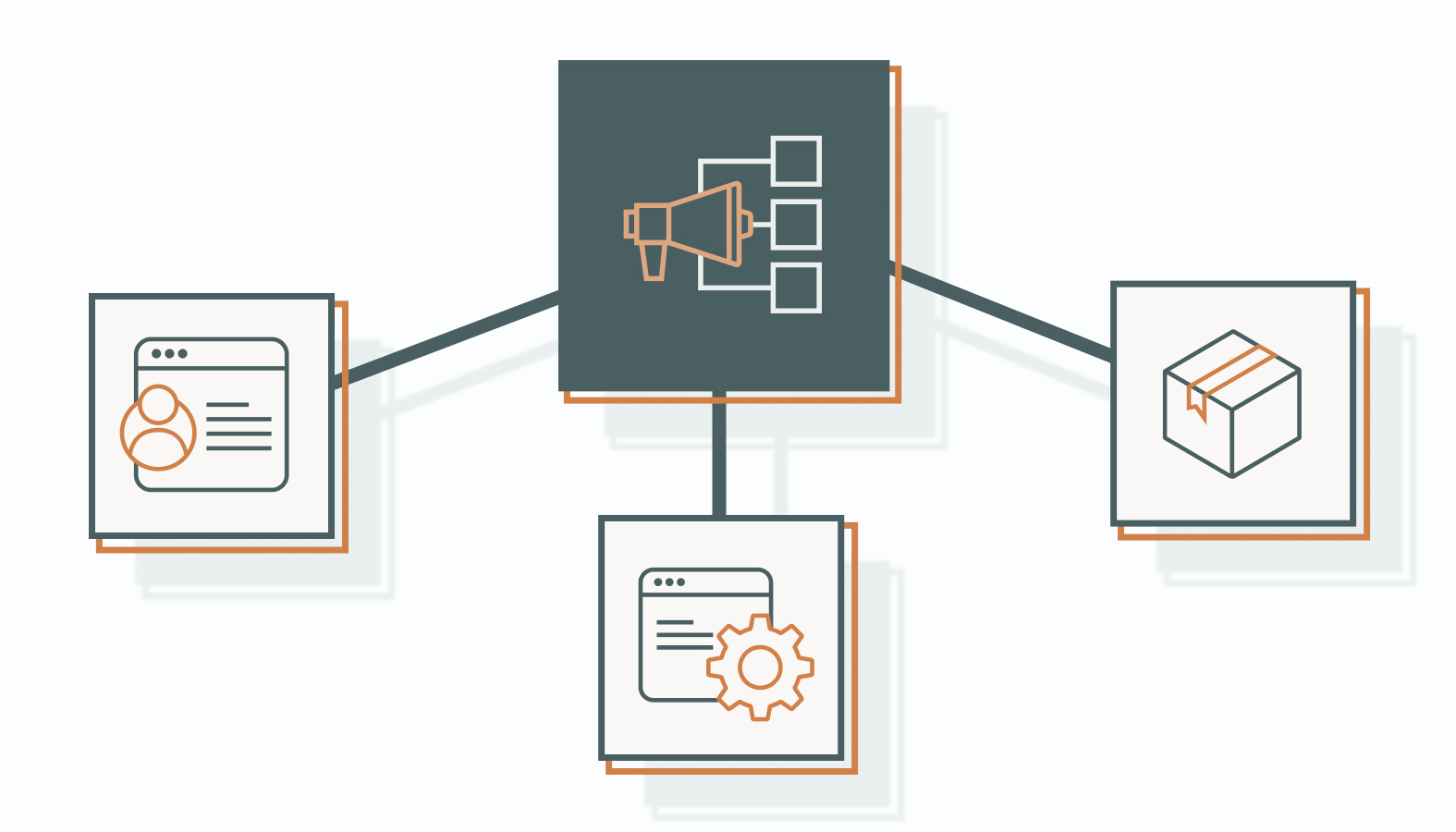
Before comparing features, ask what your reporting needs to handle. Which data sources must connect? How many clients or business units need separate reports? Who will review and receive them?
The tools below illustrate different reporting needs. Use them as a starting point for a trial, and check each one against your required integrations, report formats, and review process.
Reporting Ninja: For Repeatable Client Reporting
Reporting Ninja offers reusable templates, white-label reporting, and scheduled delivery. These features are worth considering when your team produces similar reports for several clients.
Its AI Builder and AI Summary serve different purposes: AI Builder proposes a report from a written prompt, while AI Summary drafts commentary from the report’s numbers. These features are separate from its pre-built templates and are currently labeled beta.
During your trial, check:
- Whether required sources and metrics are available.
- How branding appears in reports, emails, and client views.
- Whether your team can review and edit commentary before delivery.
If your setup depends on custom SQL queries or warehouse data, confirm support before committing. Don’t assume an integration covers every field you need.
Whatagraph: For Cross-Channel Reporting and Data Blending
Whatagraph brings data from multiple marketing sources into a shared reporting environment. Its data-blending features let teams combine selected sources and create calculated metrics for cross-channel reports.
That can make reporting more consistent, but your team still needs to decide which metrics belong together. Combining platform totals doesn’t automatically reconcile attribution windows or reveal an individual customer’s full journey.
During your trial, check:
- Whether blended metrics use consistent definitions and calculations.
- Which fields your required CRM connection makes available.
- Who will maintain the setup when campaigns or metrics change.
Build one report using actual campaign data. If revenue reporting matters, test the connection between campaign information and deal records before relying on the result.
Databox: For Plain-Language Performance Analysis
Databox’s Genie AI Analyst lets users ask questions about connected performance data in plain language. It can also help create dashboards and reports, making it useful for teams that want explanations alongside their charts.
For example, ask, “What changed in cost per lead last quarter?” Use the response to identify changes worth investigating, then check the figures and campaign context before drawing conclusions.
During your trial, check:
- Whether the answer uses the intended dates and metrics.
- Whether its explanation matches the underlying figures.
- What business context your team still needs to add.
Ask a question your team has already answered manually. Compare the response with your own analysis to see where the tool helps and where review remains necessary.
The Caveats: Why AI-Generated Reports Still Need Human Validation
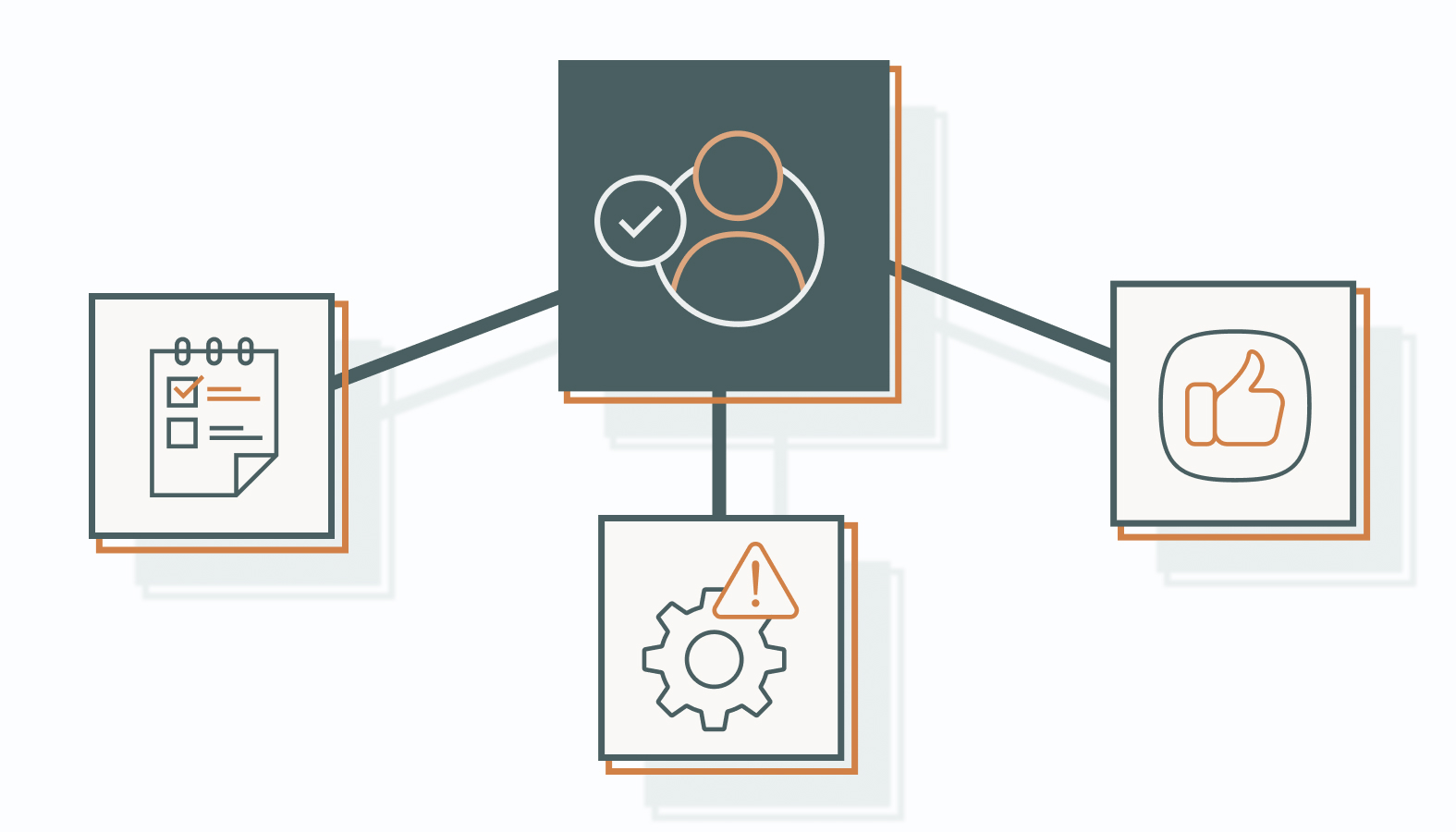
AI-generated reports still need human review. Before sharing them with clients or leadership, check three things.
Data Quality
Inconsistent UTM naming, duplicate conversion events, broken tracking tags, and mismatched attribution windows can distort a report. A polished AI summary may carry those problems forward instead of identifying them.
Check suspicious changes against the source platform before rewriting the commentary. If tracking broke halfway through the month, explain the gap rather than presenting the period as a clean comparison.
Unsupported Explanations
AI may invent an explanation or mistake a correlation for a cause. Suppose you post more often on social media and website traffic rises. An AI summary might credit social activity, even though you also launched a paid search campaign that week.
Ask what evidence supports the explanation. If several factors could explain the change, say so instead of presenting one as certain.
Useful Metrics
Focus on metrics that support a decision. Qualified leads, acquisition cost, and pipeline contribution may be more useful than pages of activity counts. Define what each measure means so different teams don’t interpret the same label differently.
Pre-Purchase Audit: How to Structure Your Data Before Picking an Automated Tool
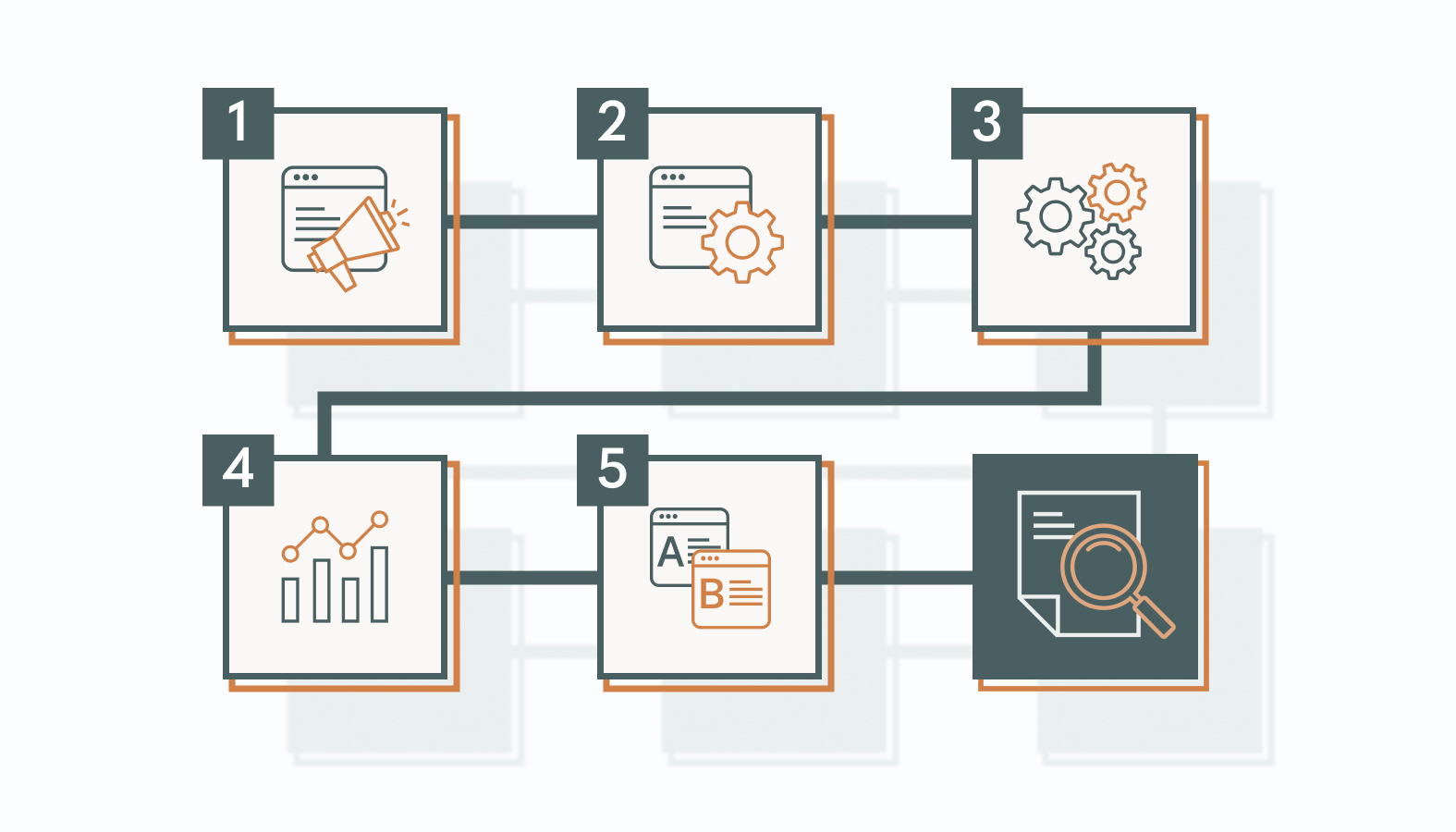
Before buying marketing reporting tools, check that your data is consistent and your key outcomes are being tracked. Start with these five checks.
1. Standardize Your UTM Naming Conventions
Use consistent rules for source, medium, campaign, and content values. Keep capitalization and separators consistent, but use distinct values where you need to distinguish campaigns or ads.
Google Analytics treats UTM parameter values as case-sensitive. Document your naming rules and share them with everyone tagging links.
2. Map the Path From Click to CRM
Follow a test lead from the ad to the landing page, through the form, and into your customer relationship management system. Check whether campaign details are captured and whether the reporting tool can access the fields you need.
3. Test Your Conversion Tracking
Complete a test conversion and check that it appears as expected in each relevant system. Look for missing or duplicate events, and confirm what each platform counts as a conversion.
4. Define the Metrics Your Report Must Include
List the decisions the report should support, then identify the metrics needed for each one. Check that the tool can retrieve the required data and calculate those metrics correctly.
For example, if leadership wants to decide whether to increase spending, clicks alone won’t answer the question. Your report may need qualified leads, acquisition costs, and sales outcomes together. Agree on those requirements before a vendor demonstration so the presentation doesn’t define your priorities.
5. Check Historical Access, Retention, and Exports
Ask how much past data the tool can retrieve, how long it stores that data, and what you can export if you leave. For year-over-year comparisons, confirm that both comparison periods are available for each required source.
What to Test During Your Reporting Tool Trial
Start with one representative client or campaign. Build the report your team actually needs, then run these checks.
Compare the numbers. Match spend, conversions, and revenue against source platforms using the same dates, time zones, currencies, and metric definitions. Investigate unexplained differences before approving the report.
Check failed-sync behavior. In a test setup, disconnect a source and check whether the tool flags stale data, alerts the right person, and makes recovery straightforward. Confirm whether scheduled reports still send when data is incomplete.
Test the final delivery. Send a sample report to an internal recipient. Review the branding, layout, links, permissions, and scheduled delivery time. Check the exported version as well as the dashboard your team sees.
Review the AI commentary. Verify each figure and explanation. Look for unsupported conclusions, missing context, or comparisons between different periods. Check whether your edits remain intact after the report refreshes.
Check costs as usage grows. Confirm what changes when you add clients, sources, users, or AI usage. Ask which limits apply to the plan you would actually buy, rather than relying on everything available during the trial.
Decide What Counts as a Successful Trial
Record each check as passed, unresolved, or failed, with a named owner for follow-up. Separate essential requirements from conveniences. An attractive report layout won’t compensate for a missing revenue field your leadership team needs every month.
Before switching, run the new report alongside your existing process for one complete reporting cycle. Resolve unexplained discrepancies and confirm who handles connection failures, commentary review, and final approval. Keep an export or backup reporting process available while the team settles in.
Also test the handoff between teammates. Have someone who didn’t build the report update the date range, review the summary, and prepare the next delivery. Note where they need help. A setup that depends on one person remembering undocumented steps may become difficult to maintain during leave or staff changes.
Keep a record of the source, calculation, refresh schedule, and owner for each essential metric. That reference gives reviewers somewhere to check when two reports disagree and helps new team members understand what they are sending to clients.
FAQs About AI Report Generation
Do AI marketing reporting tools require coding or data science skills?
Usually not for standard dashboards and scheduled reports. Built-in connectors and templates can handle much of the setup. Custom data sources, SQL queries, and complex transformations may still require technical support.
How do AI reporting automation tools handle client data privacy and security?
Security controls vary by vendor and plan. Check authorization, encryption, client access, retention, and deletion. For AI features, review which providers process the data and whether it may be used for model training. Include these checks in your privacy-first strategy and use tools approved for the information you intend to share.
Can marketing reporting tools connect campaign performance to CRM revenue?
They can help when the necessary integrations, campaign identifiers, and CRM fields are available. Test how leads, deals, and revenue connect in your setup. A combined report doesn’t automatically prove which touchpoints caused a sale, and some interactions may remain untracked.
Stop Wrangling Spreadsheets, Start Driving Strategy
AI report generation can reduce the time spent assembling reports and drafting commentary. Use that time to investigate changes, discuss results with clients, and decide what to do next. Keep a named reviewer responsible for checking the data and conclusions before each report goes out.
Want help reviewing your reporting setup? Schedule a candid conversation with one of our experts. Bring your current tools, tracking questions, and reporting challenges so we can discuss where to focus next.